Consumer hardware
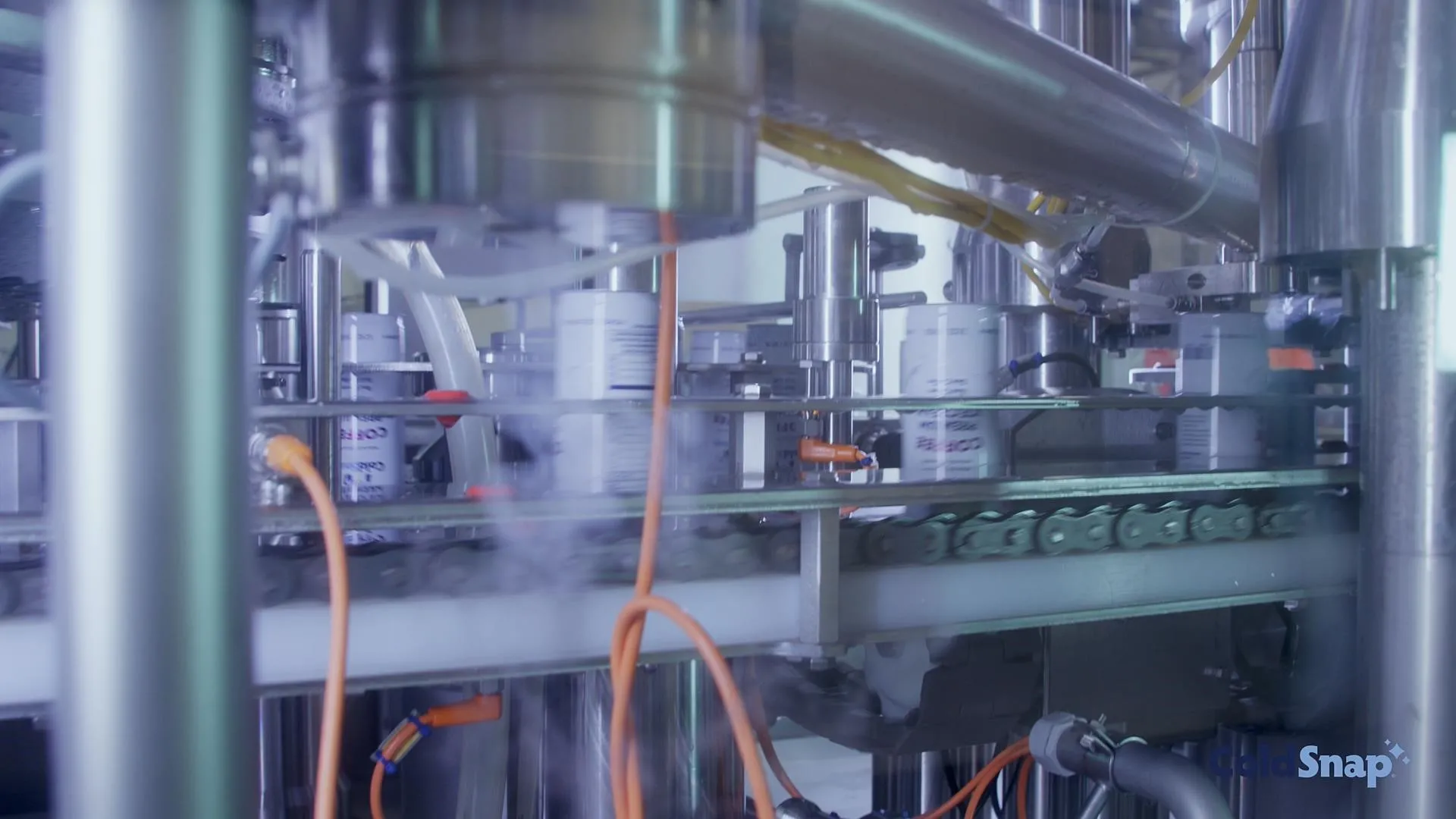
ColdSnap
From idea to production with a small engineering team.
Scaled rapidly with SOLIDWORKS, going from concept models to a manufacturable, mass-produced product.
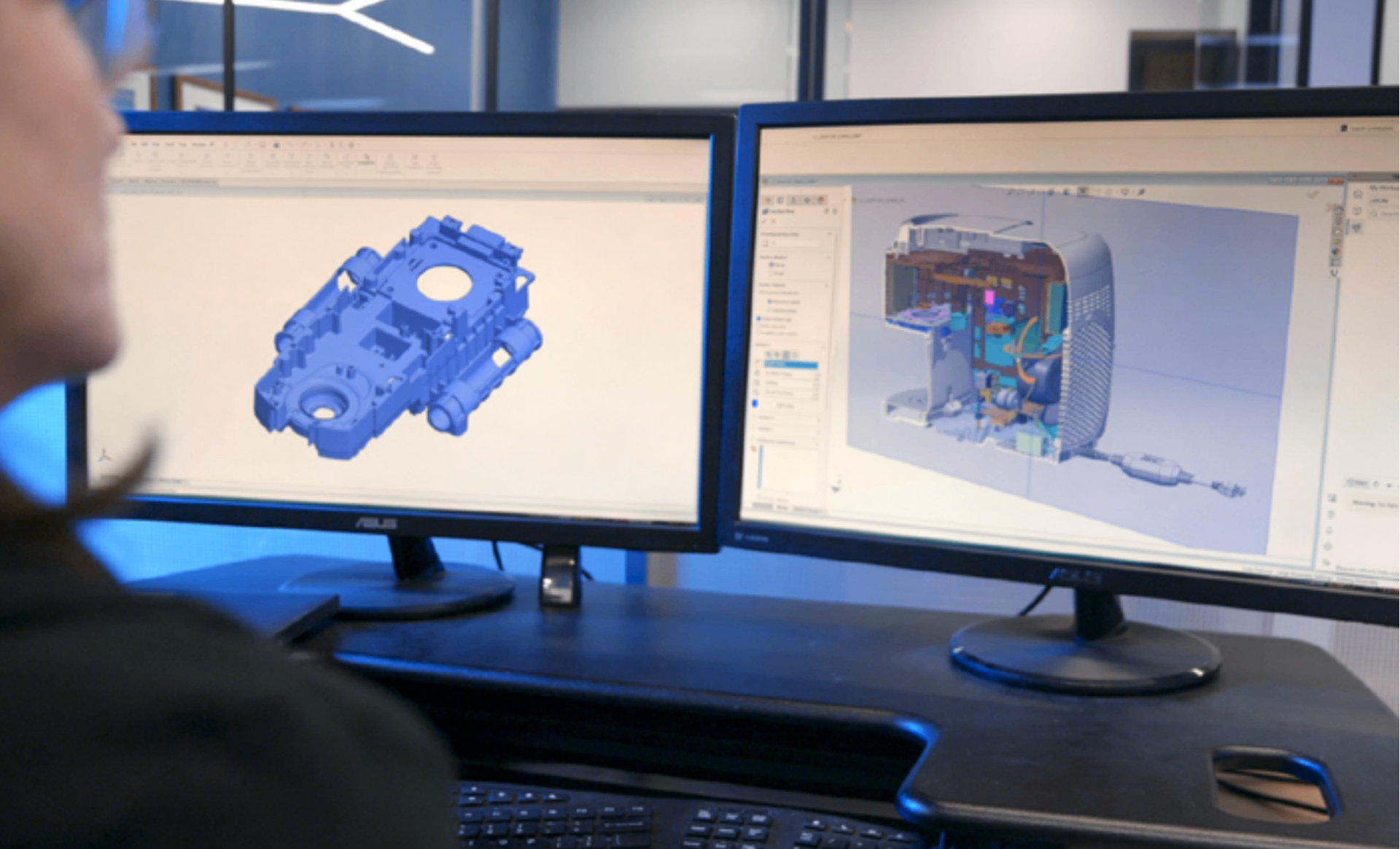
Design faster, validate earlier, and streamline manufacturing, with SOLIDWORKS backed by 3DChimera's engineers, additive manufacturing know-how, and hands-on implementation support.
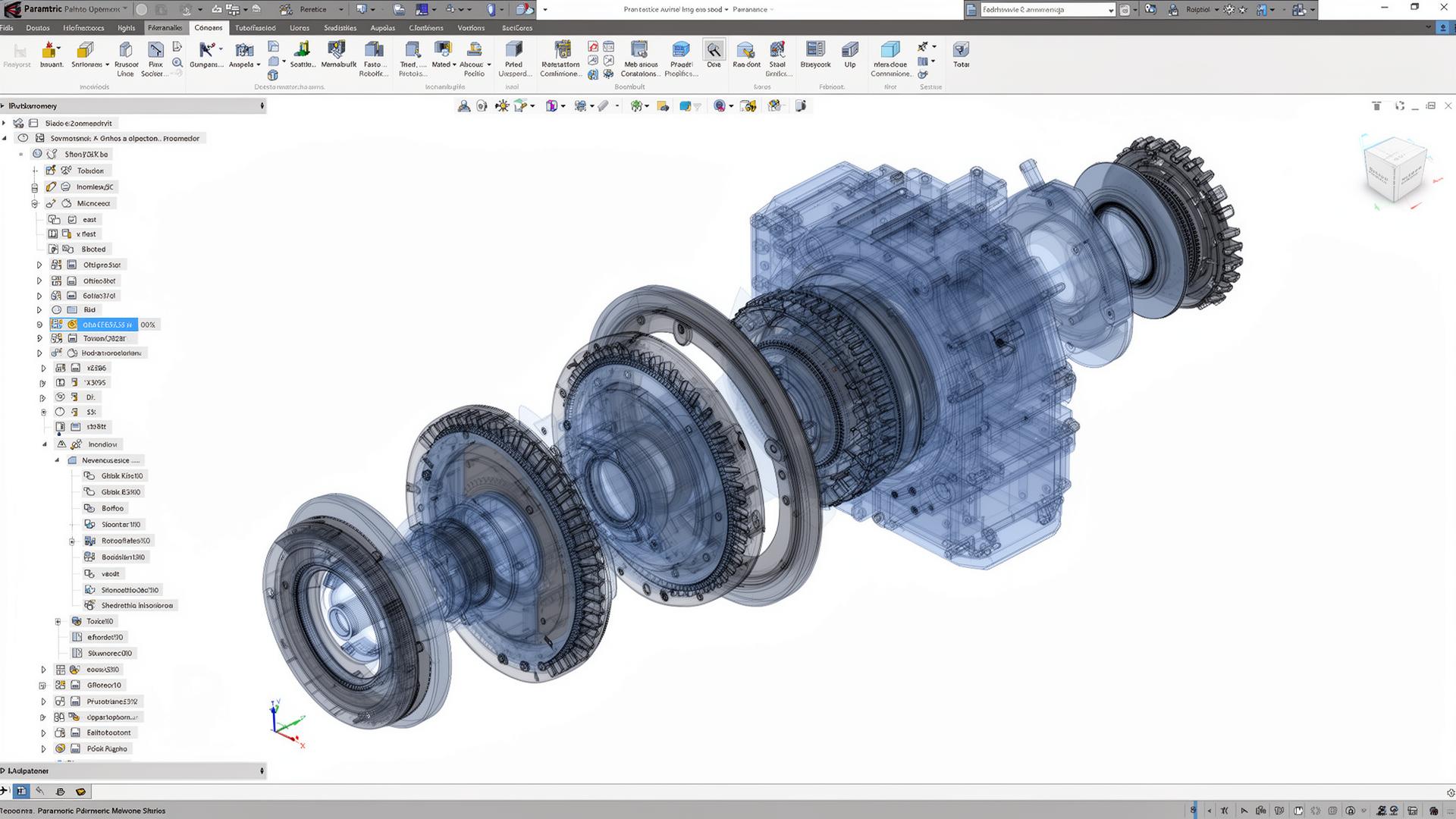
Six capability areas, one ecosystem. Built to take ideas from sketch to scaled production without losing data, time, or sleep.
Six capability areas, one ecosystem. Built to take ideas from sketch to scaled production without losing data, time, or sleep.
Intuitive workflows for parts, assemblies, and large designs. Drive everything from a single set of dimensions and watch the model update.
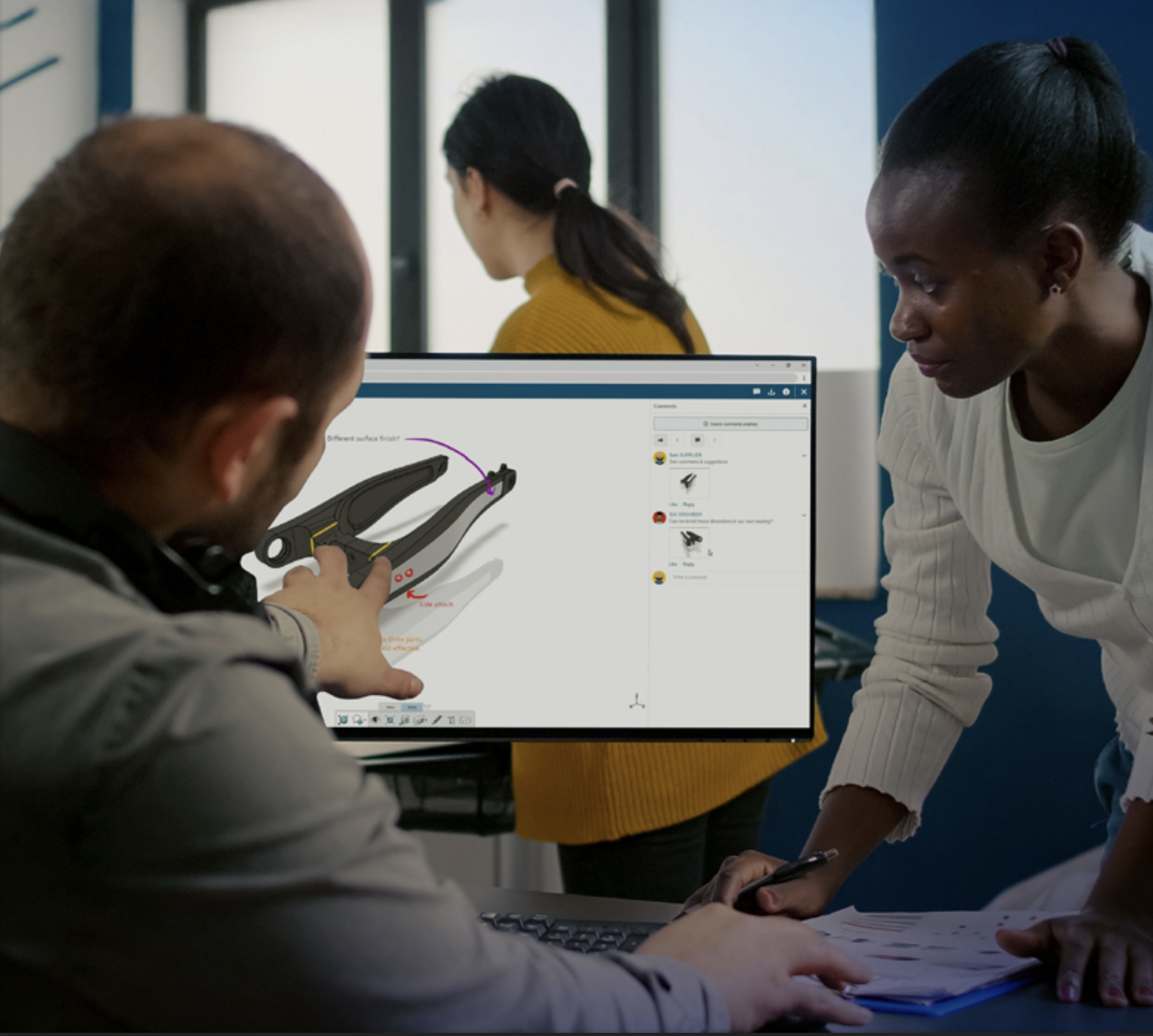
Cloud-connected collaboration brings stakeholders, suppliers, and remote engineers onto the same model in the browser.
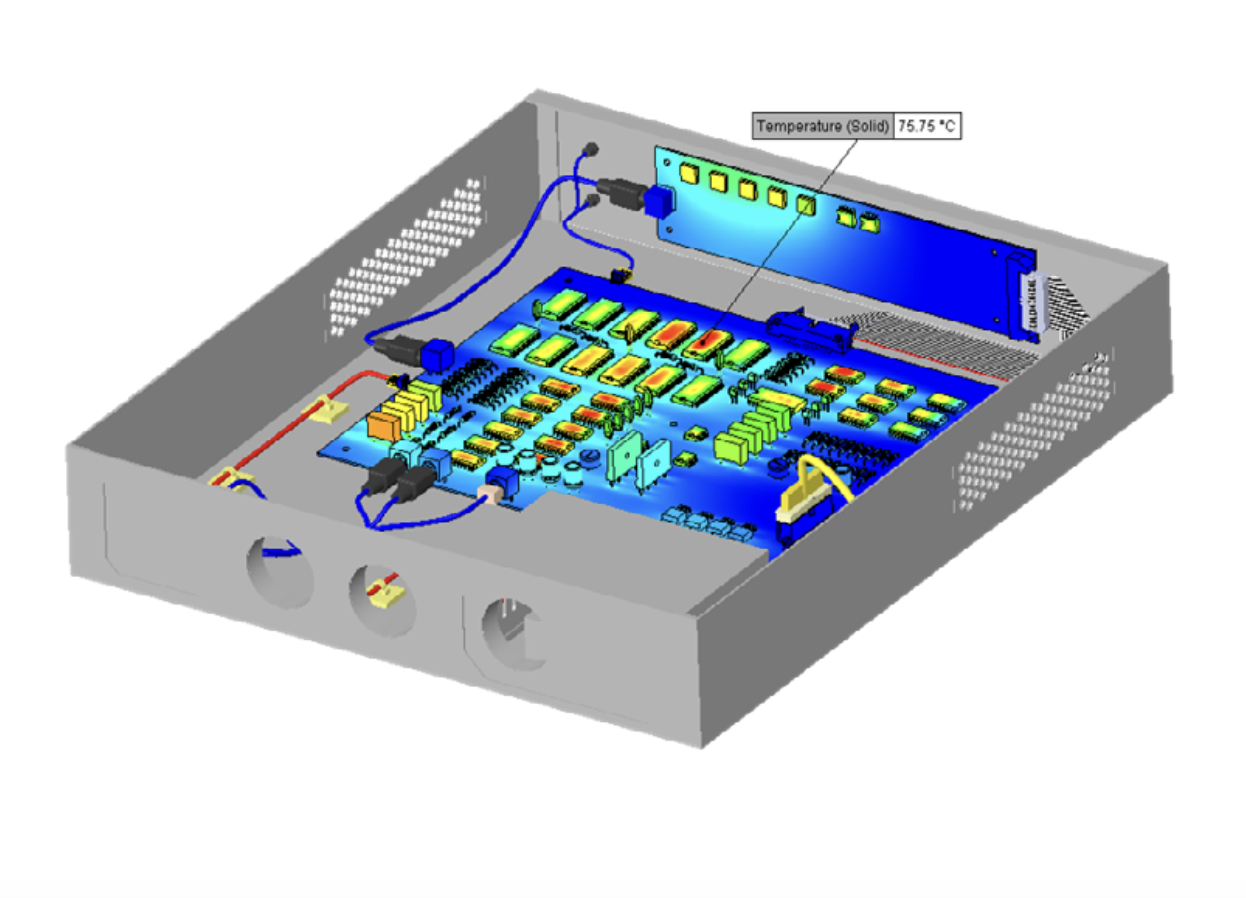
Stress, motion, fit checks, and thermal analysis live next to your model. Iterate fast, fail cheap.
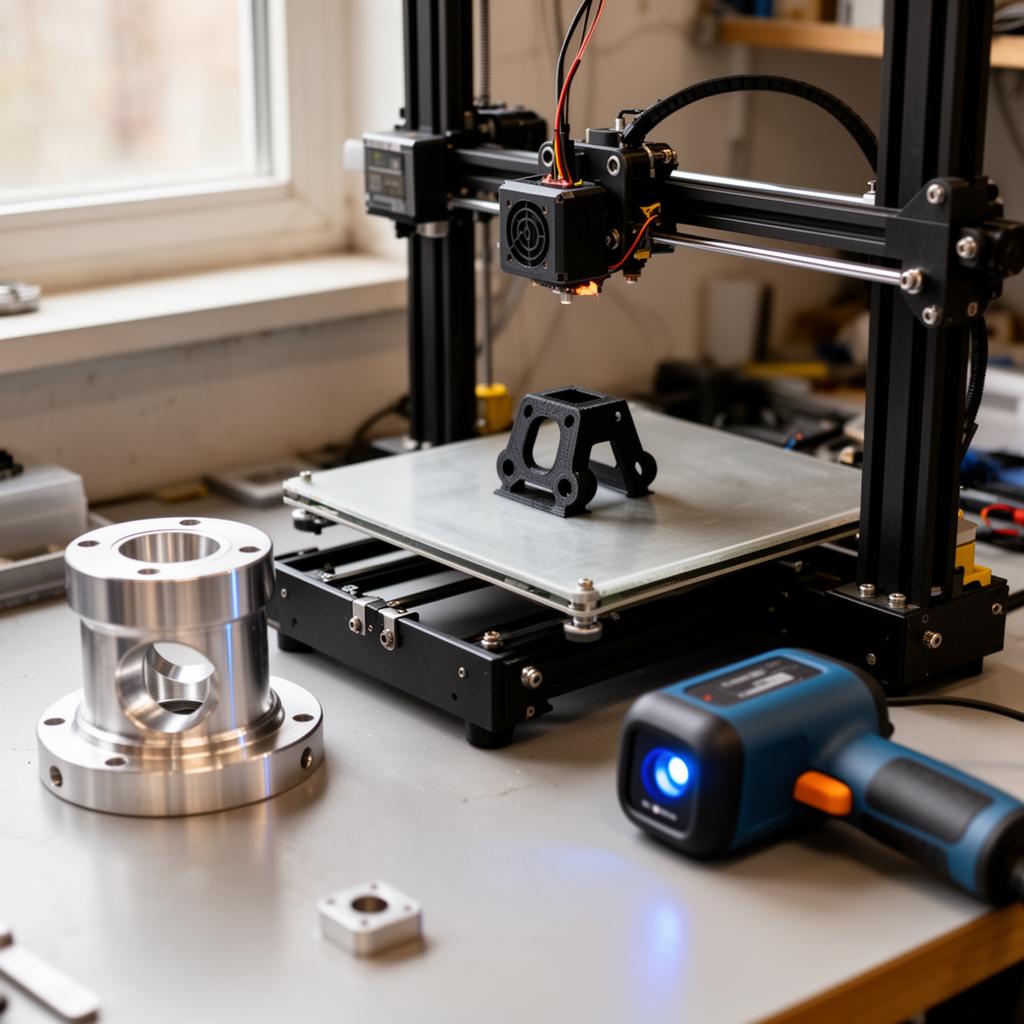 3DChimera Edge
This is where 3DChimera shines. Connect SOLIDWORKS directly to additive manufacturing, scan-to-CAD, and rapid iteration loops.
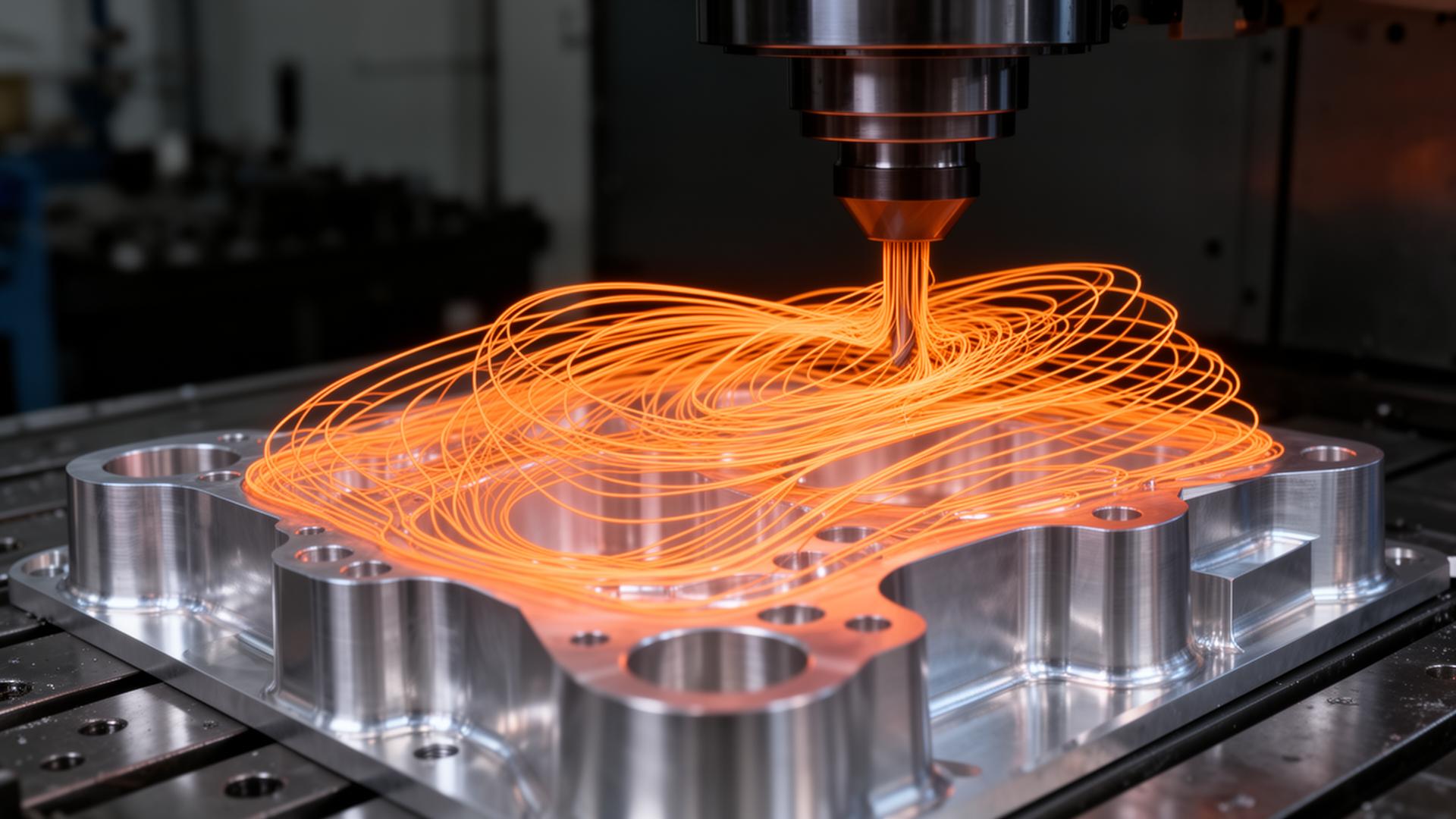
Reduce handoff errors and improve throughput with integrated toolpath generation and post-processing.
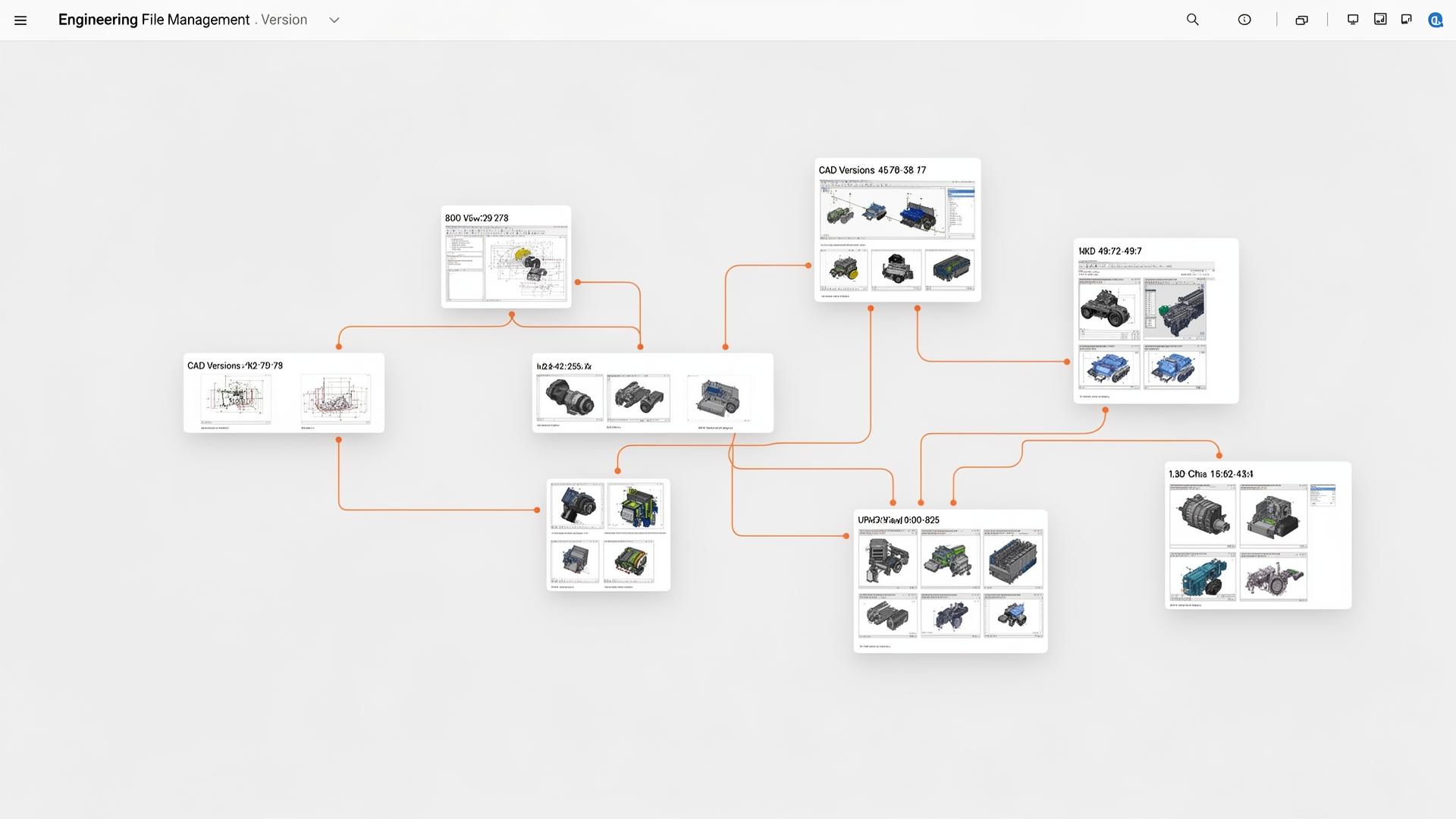
PDM brings order to your engineering data. Find the right file, with the right revision, every time.
A practical, no-fluff PDF on choosing the right CAD tool for a small engineering team. what to evaluate, what to skip, and how SOLIDWORKS stacks up. Written by 3DChimera engineers.
Choosing the Right CAD Tool for Small Teams
PDF · Presented by 3DChimera
SOLIDWORKS is powerful. The value comes from having the right workflow behind it. We use these tools every day across CAD, simulation, additive, scanning, and manufacturing to help teams build workflows that actually work.
SOLIDWORKS is powerful. The value comes from having the right workflow behind it. At 3DChimera, we use these tools every day across CAD, simulation, additive, scanning, and manufacturing to help teams build workflows that actually work.
We provide
SOLIDWORKS Standard
Parametric parts, assemblies, drawings.
SOLIDWORKS Premium
Stress, motion, routing, advanced surfacing.
SOLIDWORKS CAM
Integrated toolpaths, shop-floor outputs.
SOLIDWORKS PDM
Revisions, permissions, project access.
Cloud tools (3DEXPERIENCE)
Reviews, approvals, remote teams.
A look at how small engineering teams use SOLIDWORKS to move from concept to production, fast.
A look at how small engineering teams use SOLIDWORKS to move from concept to production, fast.
Consumer hardware
ColdSnap
Scaled rapidly with SOLIDWORKS, going from concept models to a manufacturable, mass-produced product.
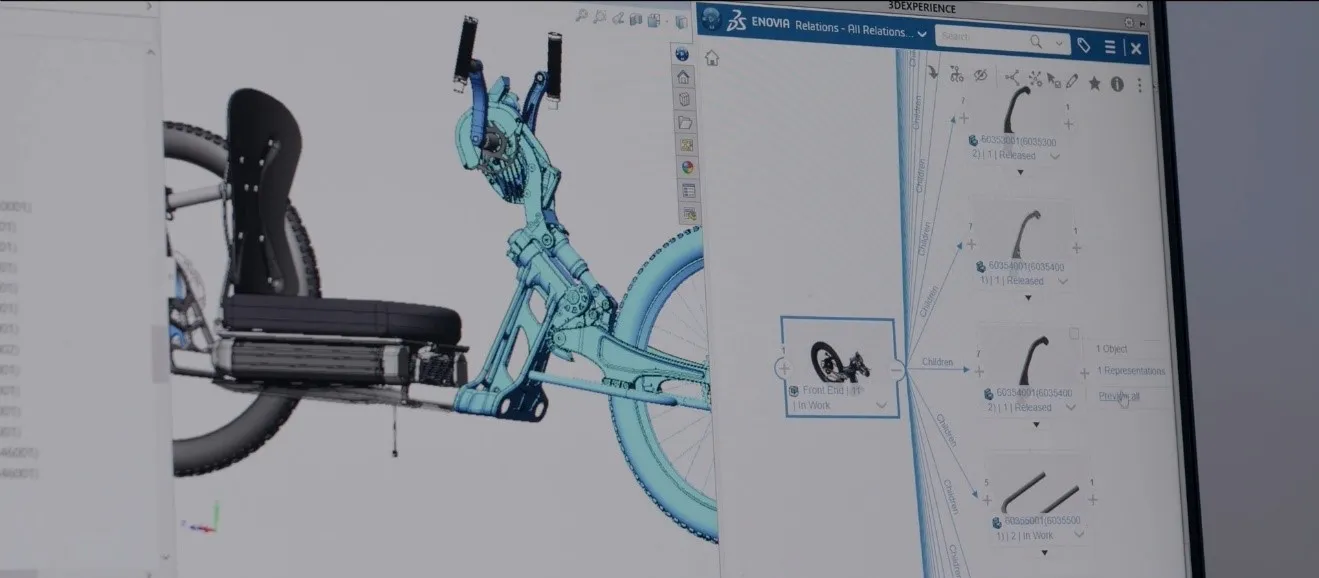
Adaptive vehicles
Bowhead
Collaborated across engineering, manufacturing, and suppliers without losing data fidelity along the way.
Manufacturing
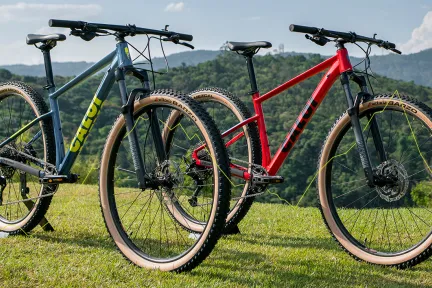
SCT / CALOI
Cut handoff errors and improved throughput by unifying design and manufacturing on a single platform.
Ready when you are
Talk with 3DChimera and get a recommendation tailored to your team. No sales pressure, just engineers who know the workflow inside and out.